

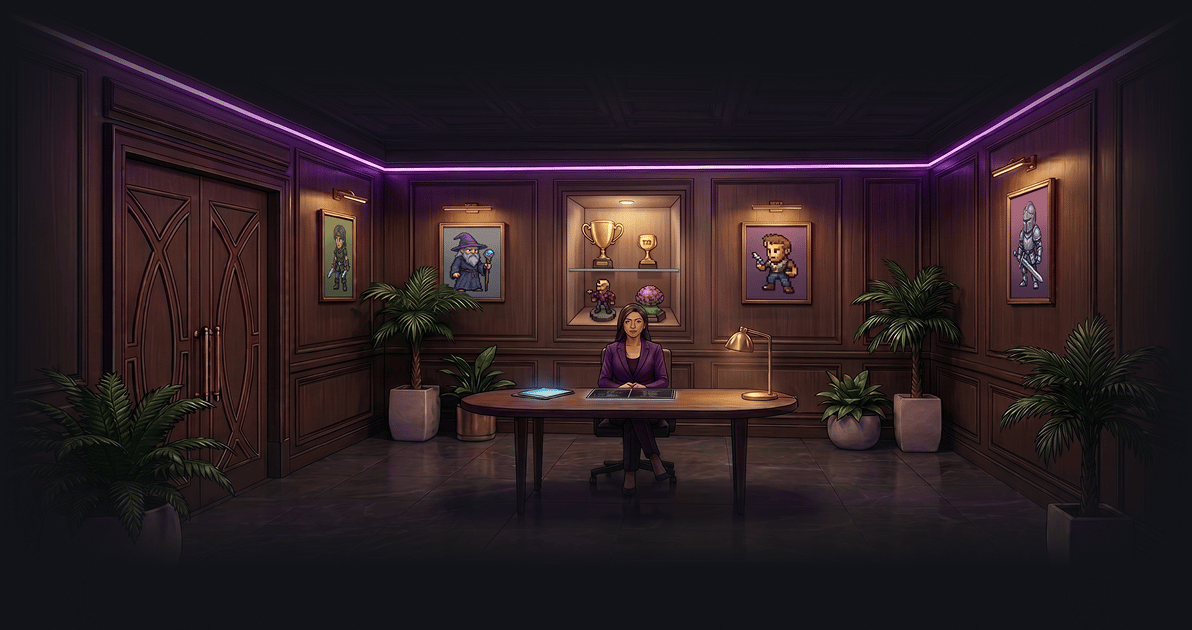
Partner Discounts
Concierge gives you exclusive discount codes from GAIMIN’s partners. Each partner has a button that opens their site and a Code button that copies the discount code to your clipboard. Explore exclusive benefits from trusted GAIMIN Club Partners. Enjoy member-only rewards, discounts, and unique experiences from brands that support the gaming and esports community.AliExpress
Member savings on gaming gear, accessories, and more.
GearUp
Deals on hardware and peripherals to upgrade your setup.
Kinguin
Savings on game keys, in-game items, and digital goods.
G2A
Discounts across digital games and gaming products.
Tradeit
Offers for trading in-game items and skins.
NordVPN
Club-exclusive savings on secure, private browsing.
Each partner also has an info tooltip in the Concierge room with more detail about the offer.
Discord Channels
Concierge links you directly into the Club’s Discord channels. Each channel has an Enter Channel button that opens it in Discord.Member Chat
A private channel for Veteran, Elite & Royal members to chat.
Announcement
Announcements related to GAIMIN Club.
Community News
Community events and related news shared here.
Find a Buddy
A channel where gamers can find like-minded gamers.
Playground
Take part in Discord community activities.
Meme Art Contest
Submit files related to community activities.
Rookie Chat
A channel where everyone is allowed to chat.
Royal Chat is an additional channel shown only to Royal members — a private space where royals, team, and e-sports members interact. This is why Royal members get 9 Discord channels while Veteran and Elite get 8.
Getting to Concierge
1
Open the GAIMIN Launcher
Make sure you are signed in to your GAIMIN account.
2
Open Concierge
From the GAIMIN Club page, click the Concierge room. You can also reach it from the Lobby’s VIP Partner Discounts and Club Discord Access benefits.
3
Claim codes and enter channels
Copy a partner discount code or use Enter Channel to jump into Discord.
Frequently asked questions
Who can use partner discounts?
Who can use partner discounts?
Partner discount codes are exclusive to Elite and Royal members. Veteran members see a locked symbol in place of the Code buttons.
How do I use a partner code?
How do I use a partner code?
Click the partner’s button to open their site, then use the Code button to copy the discount code to your clipboard and apply it at checkout.
Why do I see fewer Discord channels than another member?
Why do I see fewer Discord channels than another member?
Royal members get an extra private channel, Royal Chat, for a total of 9 channels. Veteran and Elite members have access to 8 channels.
Where do I find Concierge?
Where do I find Concierge?
Concierge is a room on the GAIMIN Club page inside the Launcher.
Back to: The Lobby
Return to your member home base and everything your Club membership unlocks.